Lifecycle emails through a swappable provider (Resend by default) — React Email templates, bounce tracking, unsubscribe management, and deliverability monitoring.
Hogsend sends emails through a swappable provider (Resend by default) — fast delivery, great developer experience, solid deliverability. You reference templates by key, Hogsend handles everything else: rendering, delivery with retries, bounce tracking, automatic suppression, unsubscribe management, and a preference center.
The split is deliberate:
- Your templates are content. The actual
.tsxemail components and their registry live in your repo undersrc/emails/— scaffolded in bycreate-hogsend, yours to edit, delete, or extend. The engine bakes in no business templates. - The engine owns the pipeline.
@hogsend/engineprovides the high-levelsendEmail()your journeys call, theTrackedMailer(render → preference/suppression check → link/open tracking →emailSendsrow → deliver → record status), the unsubscribe endpoints, and the preference center. - The template machinery lives in
@hogsend/email: render helpers, the registry helpers, theTemplateRegistry/TemplateDefinitiontypes, and the unsubscribe token/URL helpers — but no concrete templates. - The email provider is a dumb
EmailProvider.@hogsend/plugin-resend(the default) and@hogsend/plugin-postmark(an installable opt-in) both implement theEmailProvidercontract (send, batch, webhook parse/verify). Switch to Postmark by installing its package and settingEMAIL_PROVIDER=postmark; for anything we don't ship (SES, a transactional API of your own) implement the same interface yourself — tracking, rendering, preferences, and theemailSendspipeline all come along for free because they never lived in the provider.
You don't edit the engine packages — you own your templates, call sendEmail(), and (rarely) swap the provider. Customizing is covered in Customizing the templates.
The example set
Hogsend dogfoods itself. The templates scaffolded into src/emails/ are real lifecycle emails about Hogsend — built with React Email + Tailwind on a small shared design system (Layout, Eyebrow, Button, CodeBlock, Callout, Bullets, Stat). They're a starting point you own: edit the copy, swap the brand color, or delete what you don't need.
Setup guideactivation-quickstart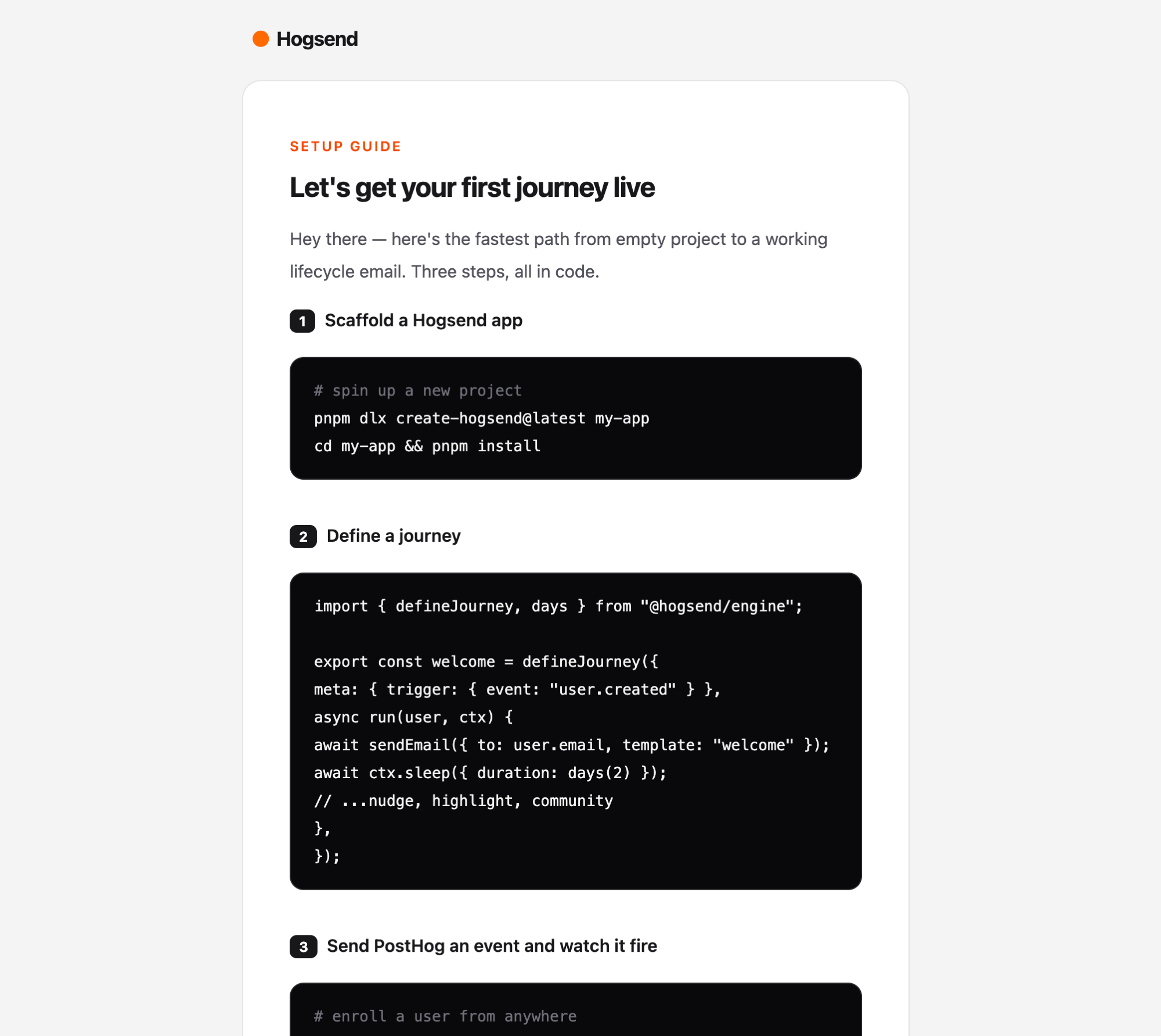 | No events yetactivation-nudge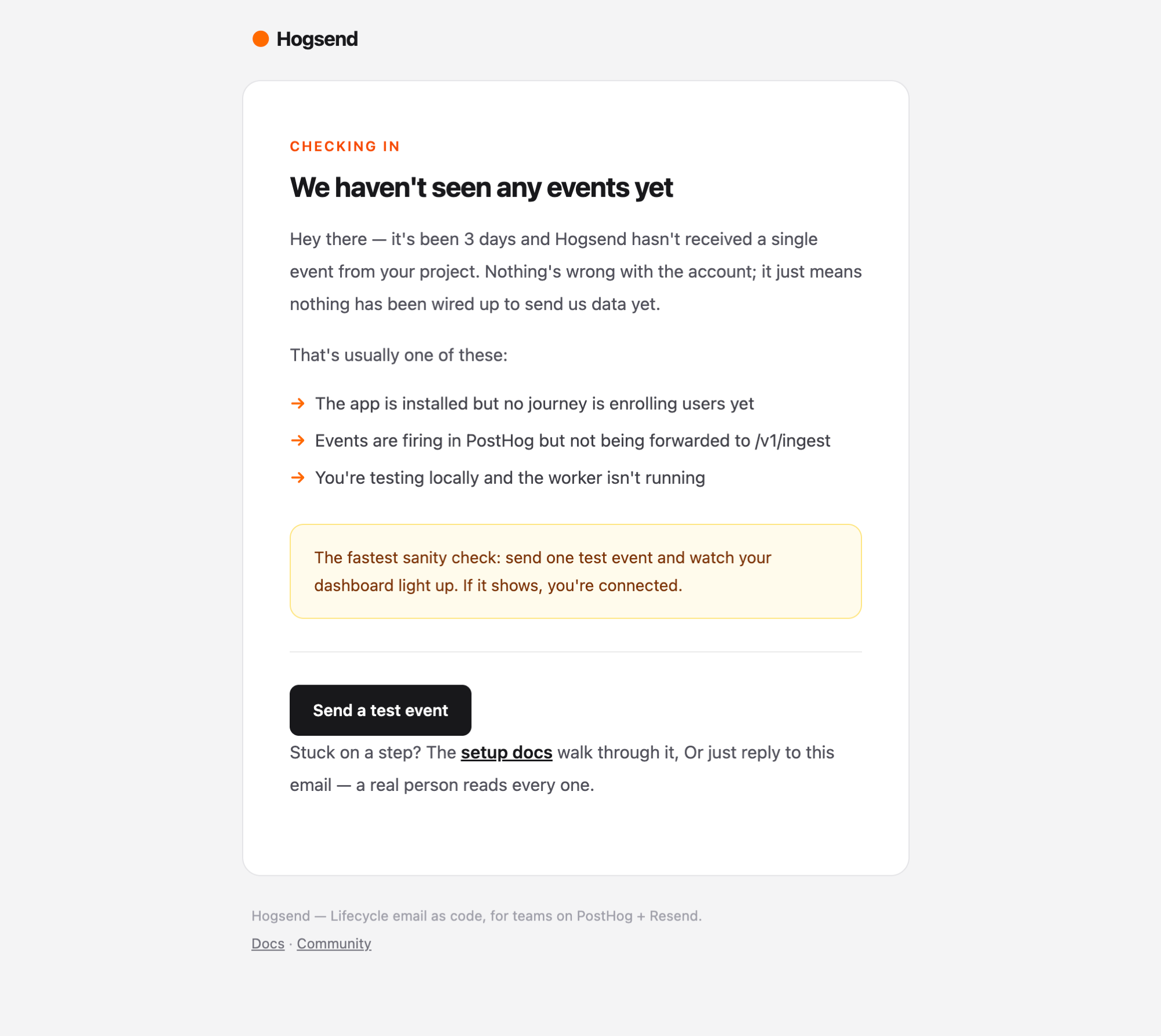 | Journeys as codeactivation-feature-highlight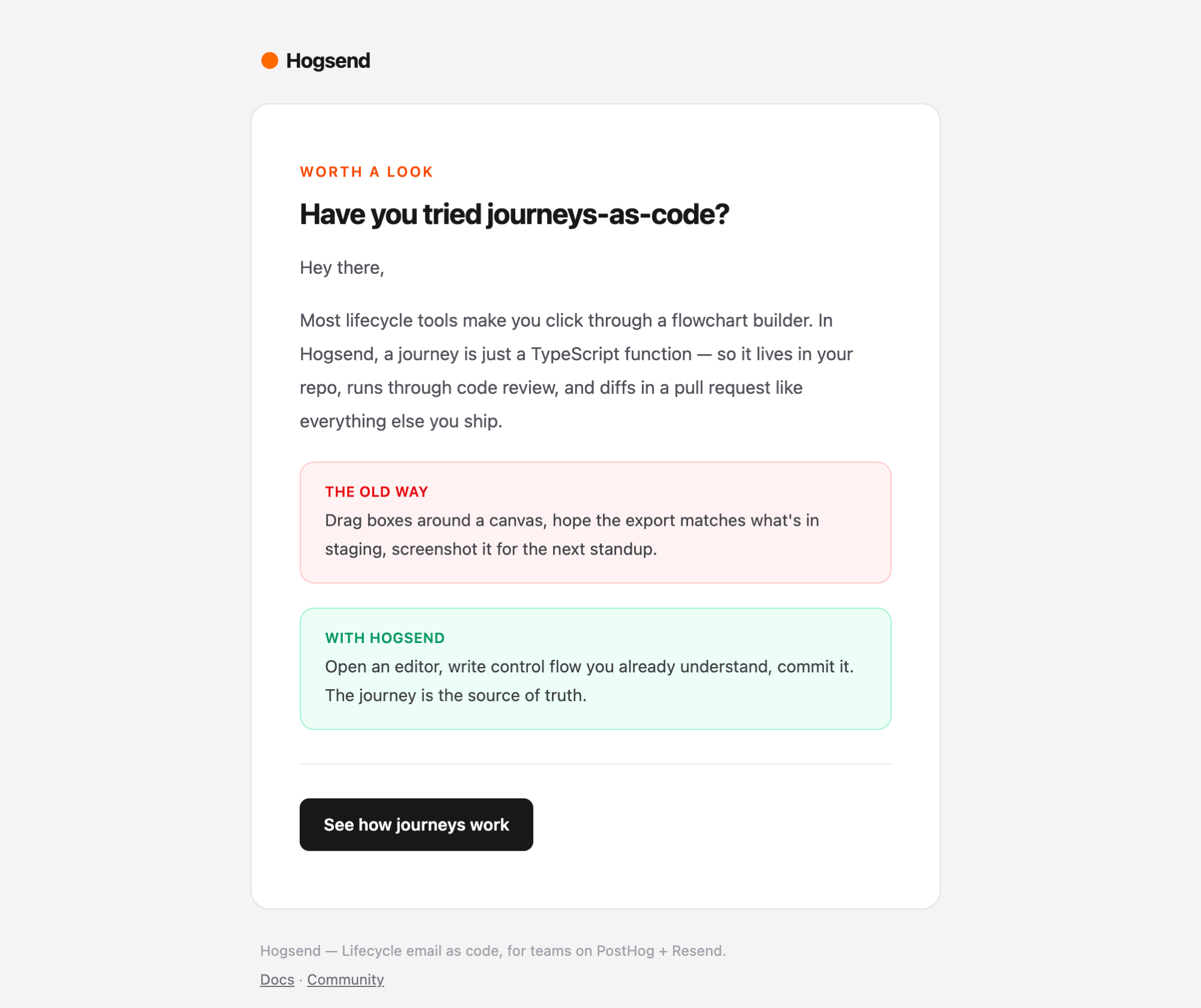 |
What others buildactivation-community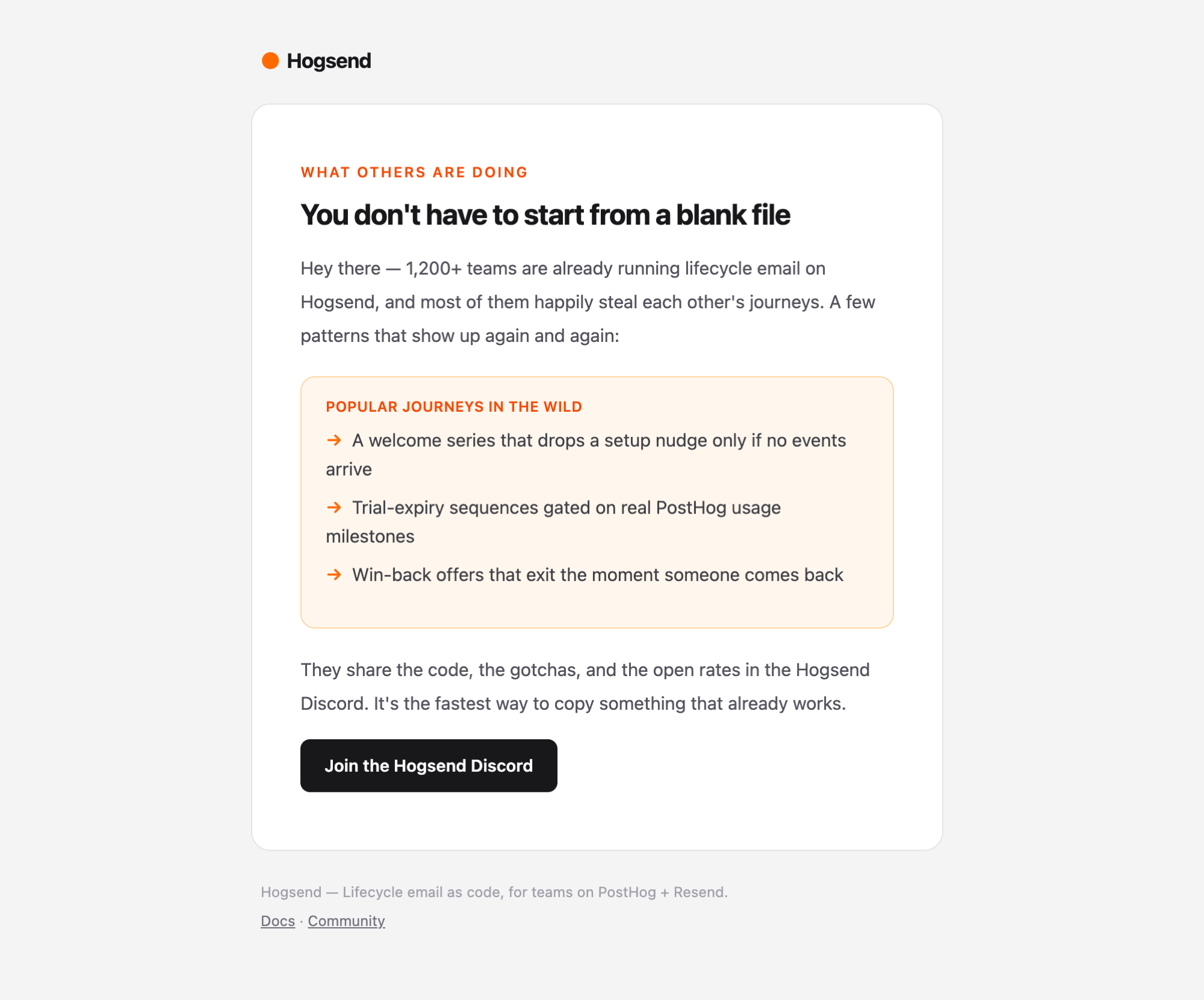 | Usage milestoneconversion-usage-milestone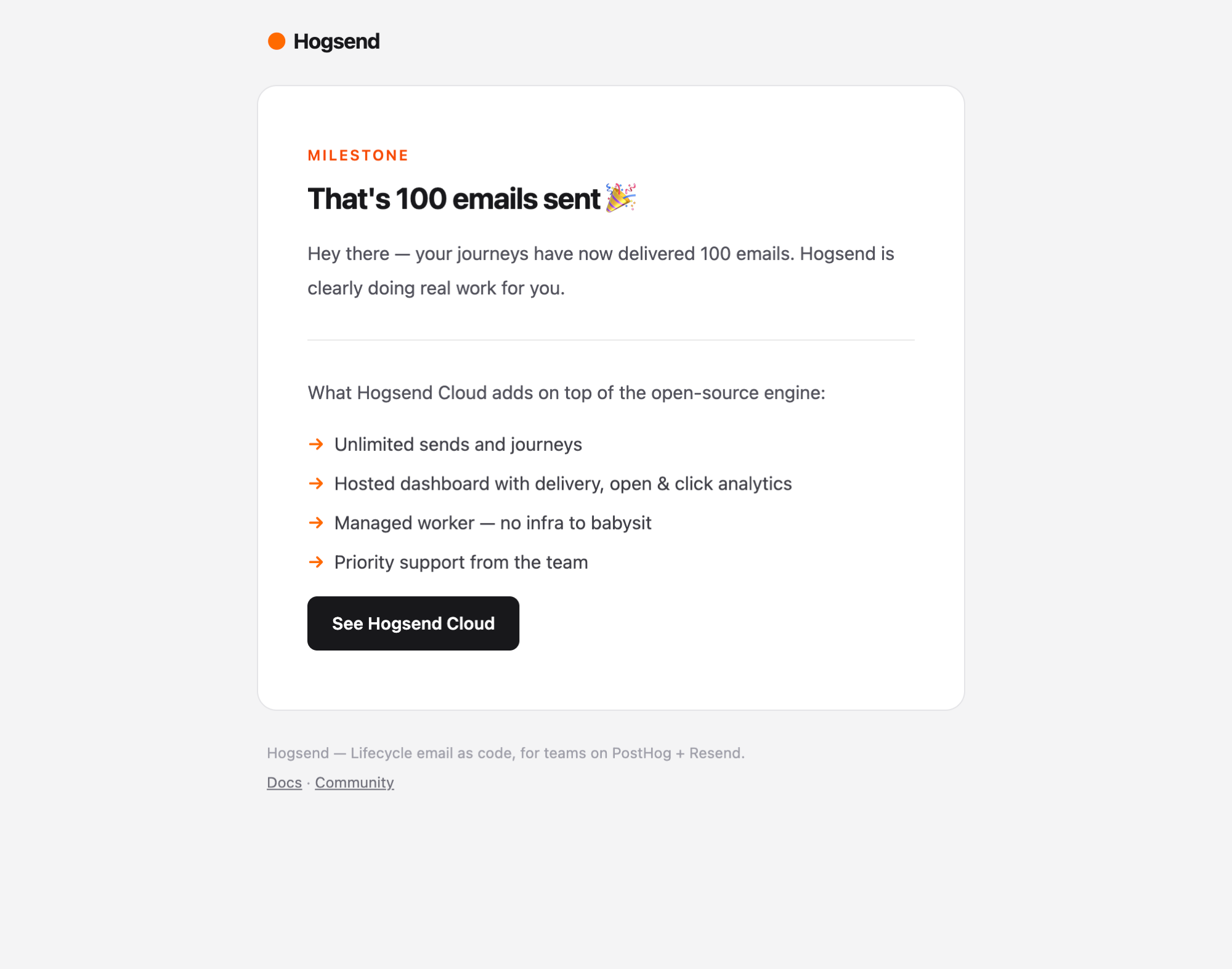 | Trial endingconversion-trial-expiring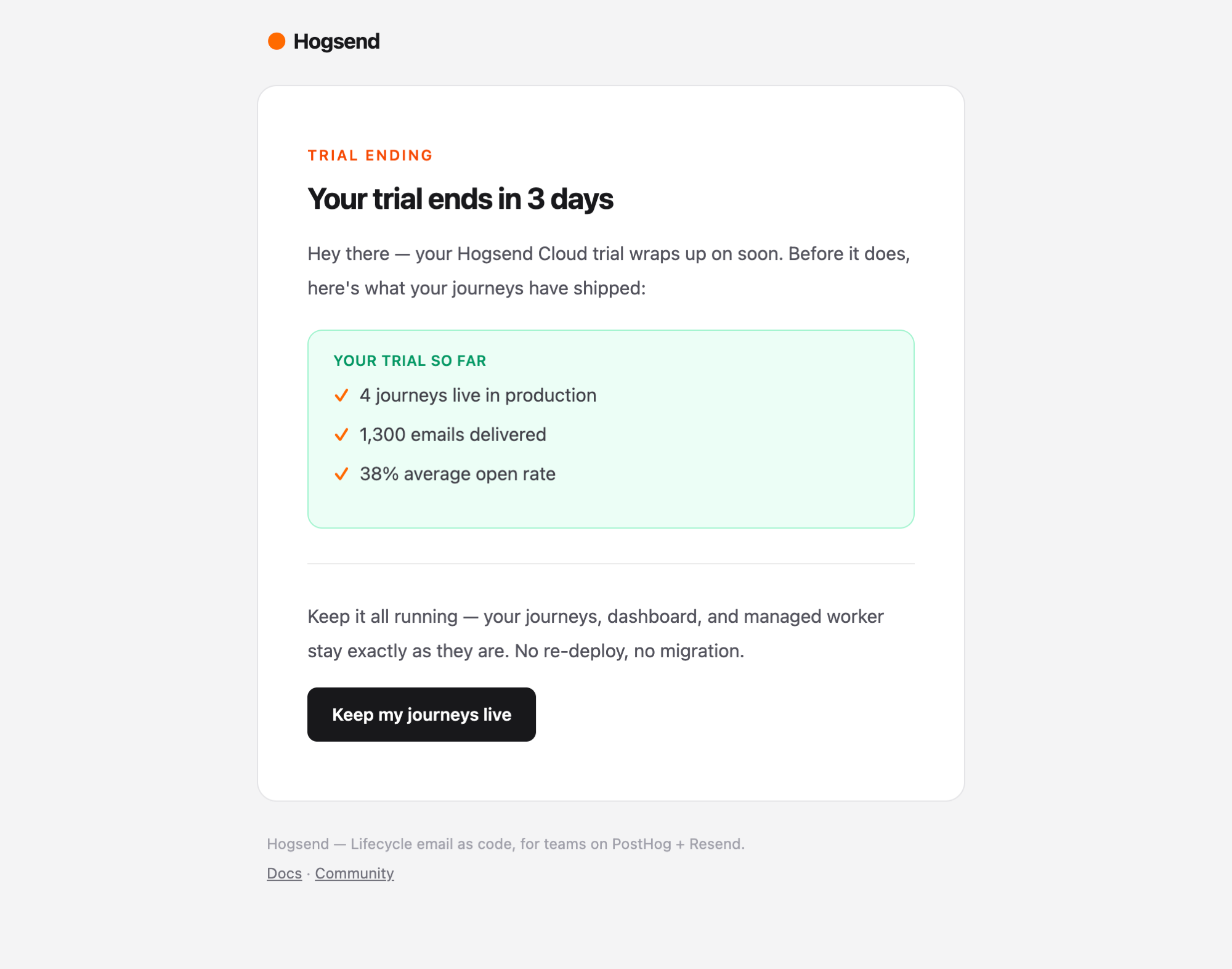 |
Win-back offerconversion-winback-offer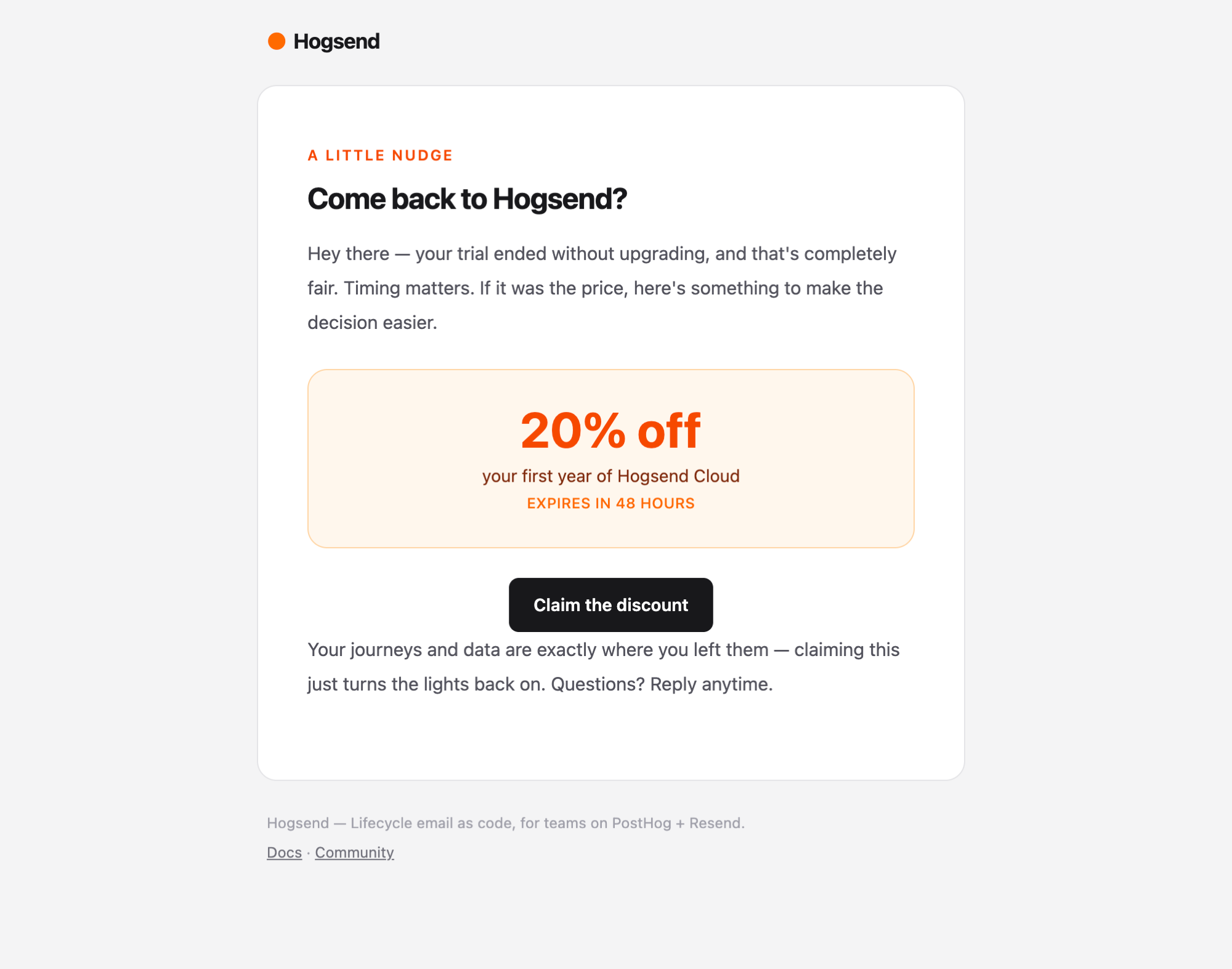 | Milestone unlockedretention-achievement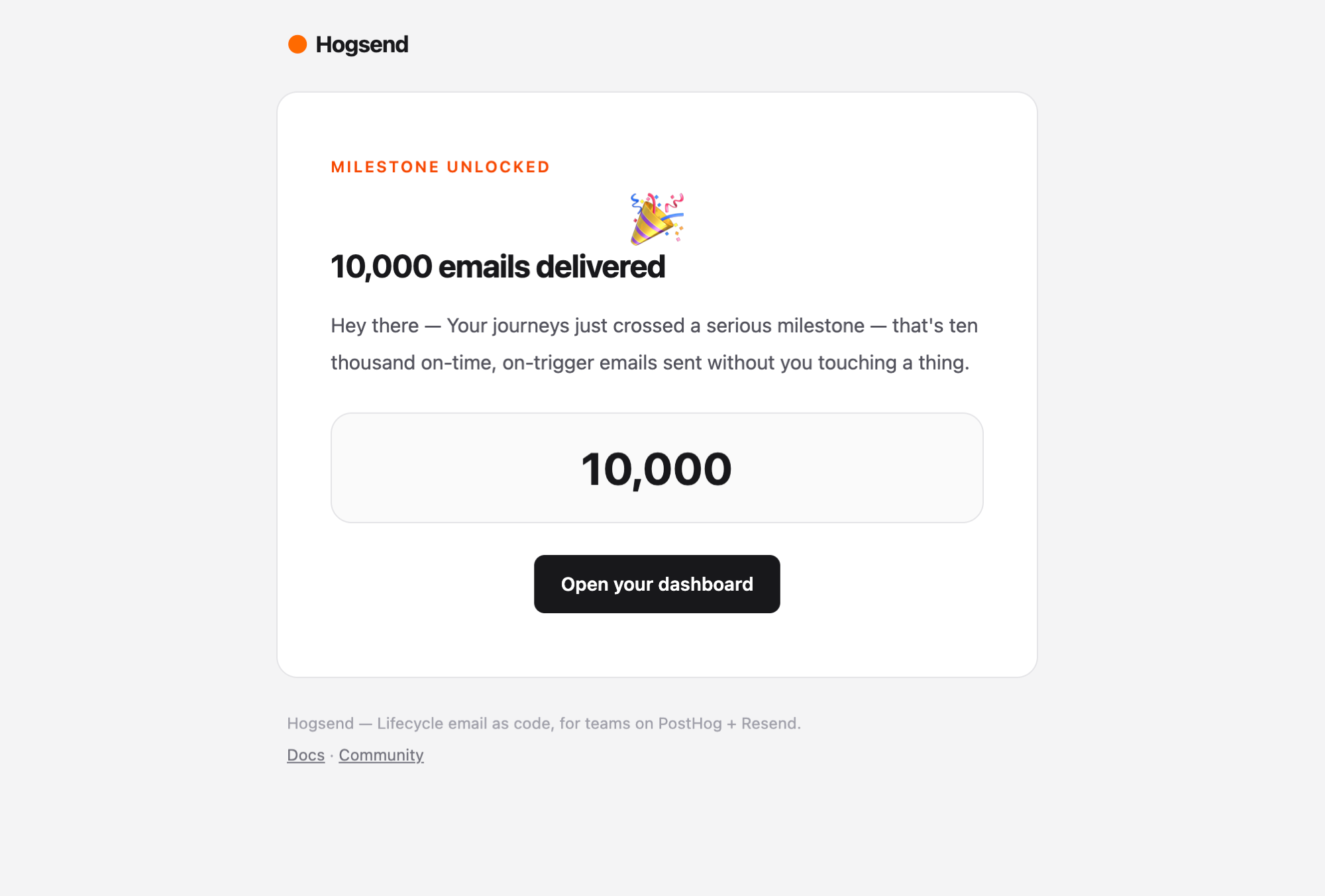 | Weekly digestretention-weekly-digest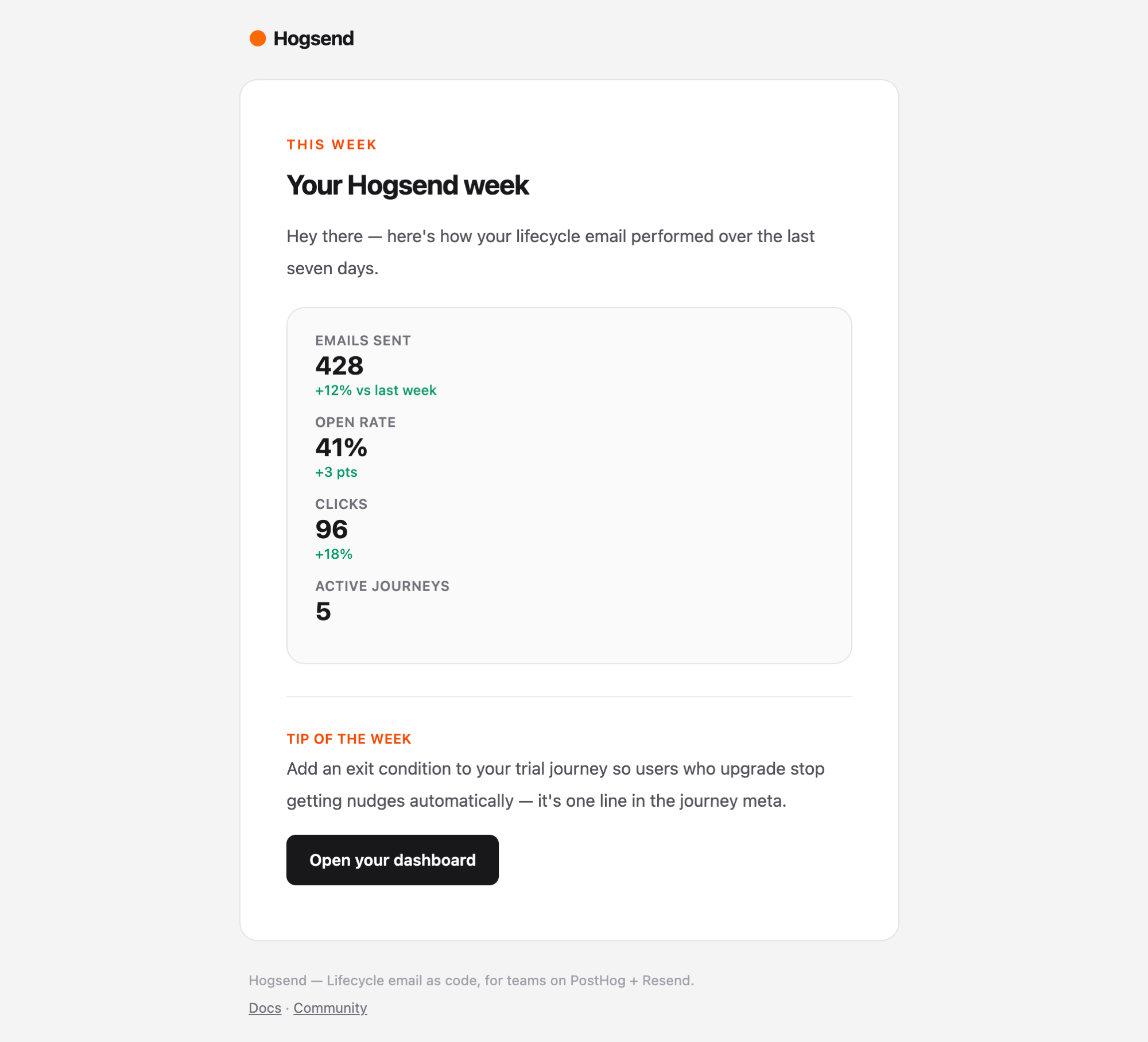 |
Dormancy check-inreactivation-checkin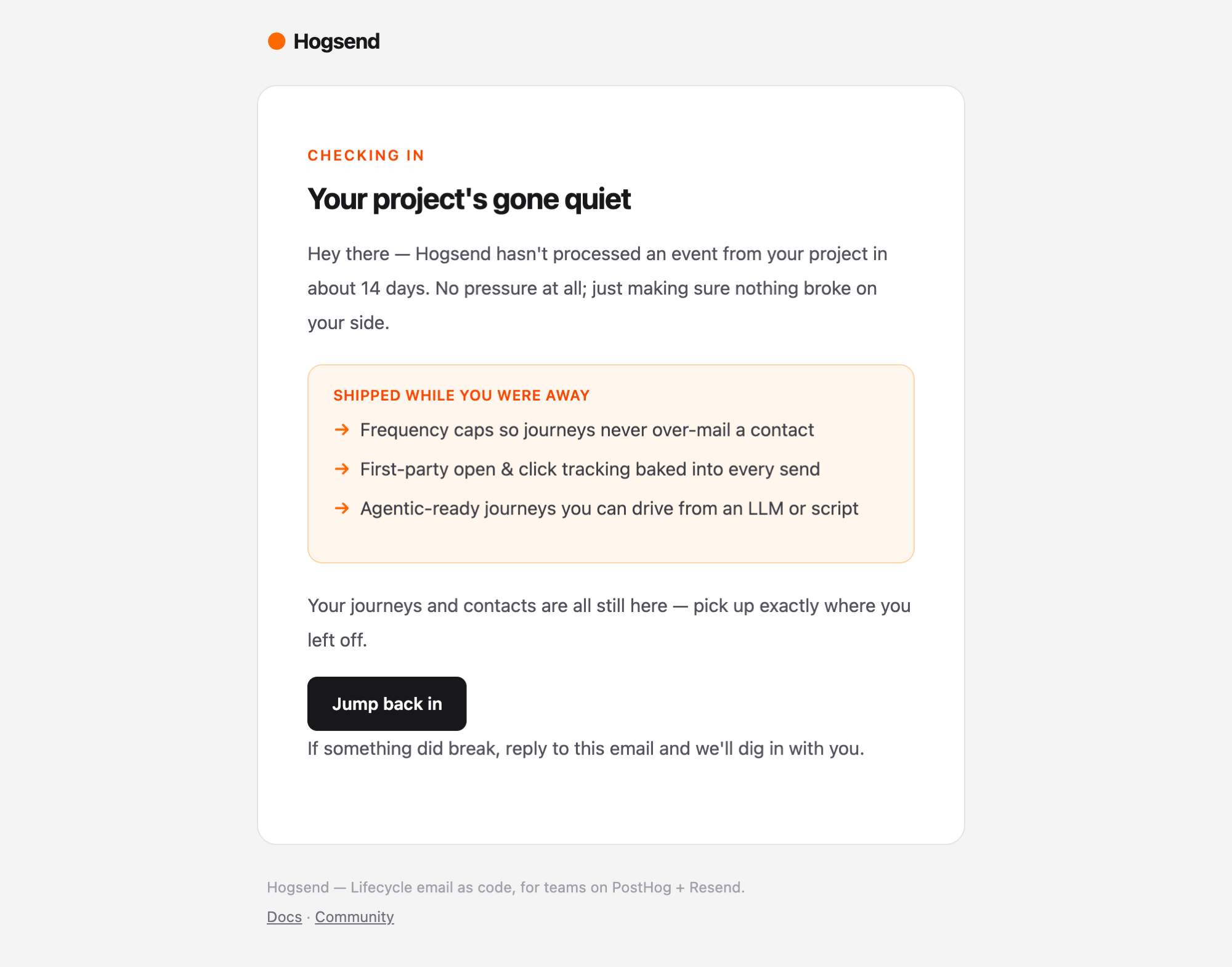 | Final nudgereactivation-final-nudge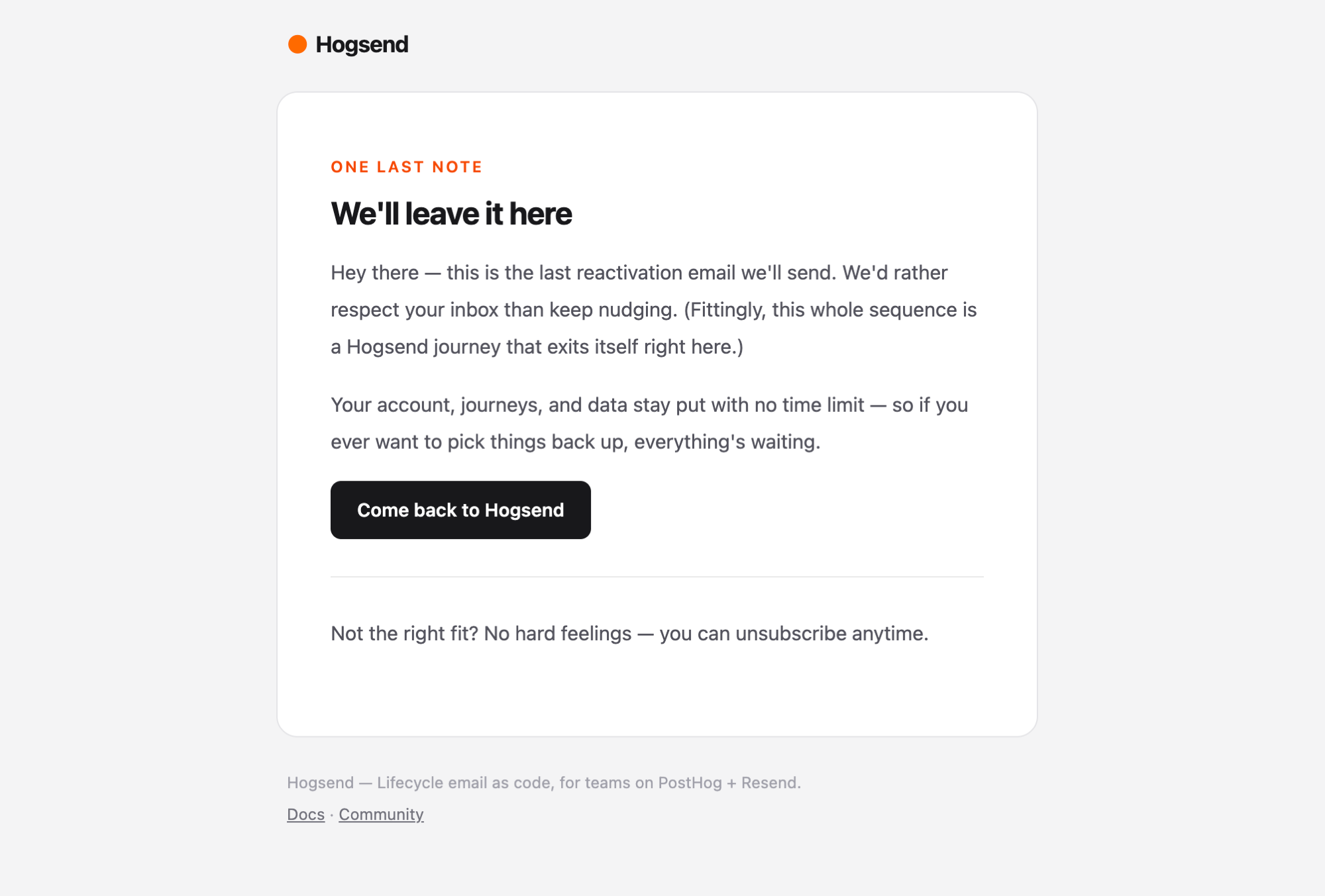 | NPS surveyfeedback-nps-survey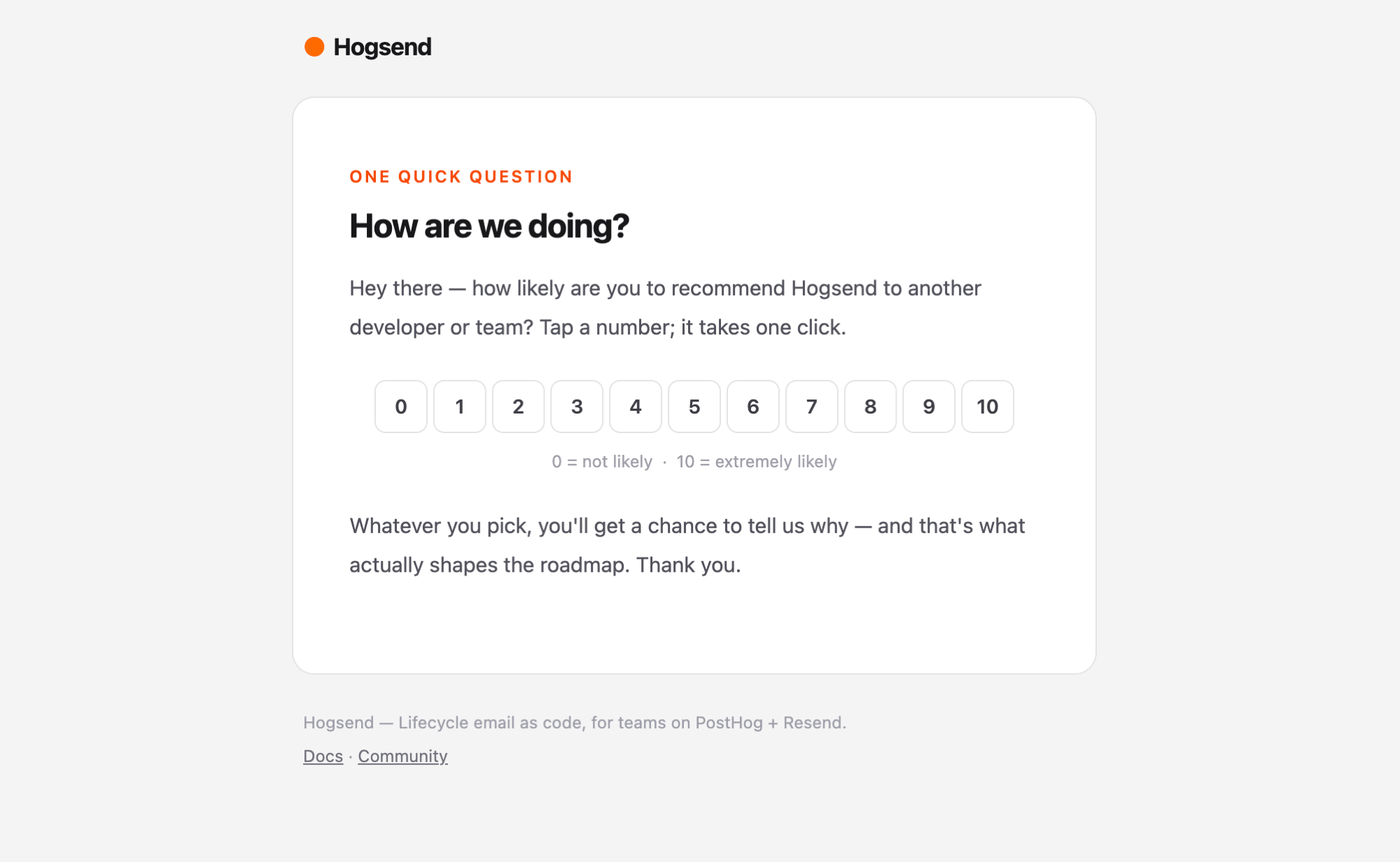 |
Payment failedchurn-payment-failed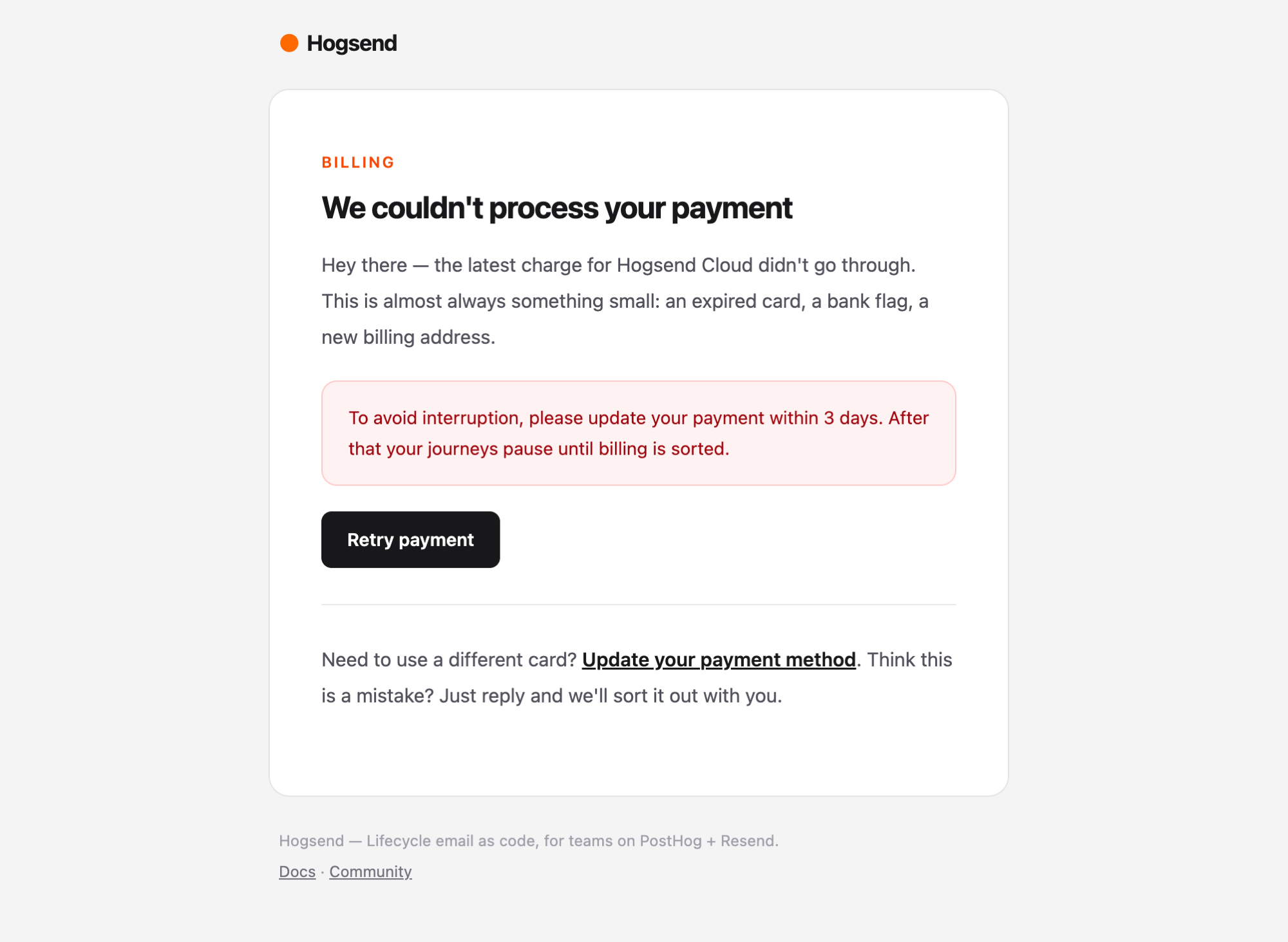 |
Sending email from journeys
Inside a journey, use the standalone sendEmail function imported from @hogsend/engine. It goes through the tracked email pipeline — every email automatically gets an emailSends DB row, link rewriting for click tracking, and an open tracking pixel.
import { sendEmail } from "@hogsend/engine";

await sendEmail({
  to: user.email,
  userId: user.id,
  journeyStateId: user.stateId,
  template: Templates.ACTIVATION_NUDGE,
  subject: "You haven't tried the key feature yet",
  journeyName: user.journeyName,
  props: { firstName: "Alice" },
});
// => { emailSendId: string; sentAt: string }
sendEmail() is wired to the TrackedMailer the engine builds inside createHogsendClient() (using your injected templates registry and provider), so there is nothing to initialize in your journey — just call it.
The function signature:
async function sendEmail(opts: {
  to: string;
  userId: string;
  template: string;
  subject: string;
  journeyName?: string;
  journeyStateId?: string;
  props?: Record<string, unknown>;
}): Promise<{ emailSendId: string; sentAt: string }>
Under the hood, sendEmail does the following:
- Generates a signed unsubscribe URL using
generateUnsubscribeUrl(requiresAPI_PUBLIC_URLandBETTER_AUTH_SECRETenv vars). - Sets
List-UnsubscribeandList-Unsubscribe-Postheaders for one-click unsubscribe compliance. - Calls the engine's
TrackedMailer.send()which creates anemailSendsDB row, renders the template (from your injected registry) to HTML, rewrites all links for click tracking, injects an open tracking pixel, checks suppression/unsubscribe status, and delivers via the configuredEmailProvider(Resend by default) with automatic retries. - Returns the
emailSendId(the DB record ID) and send timestamp.
The journeyStateId links the email to the journey, which enables the tracking system to resolve clicks and opens back to the correct user and push events like email.opened and email.link_clicked through the ingest pipeline. Always pass user.stateId from journey code.
Tracking
Every email sent through sendEmail() gets first-party link tracking and open tracking automatically. See the Tracking API reference for full details on how it works, the events it pushes, and how to use tracking data in journeys.
In-email actions (semantic links)
A link can carry an answer, not just a destination. EmailAction (from @hogsend/email) renders an anchor whose click fires a real event — nps.submitted { score: 9 }, checkin.answered { answer: "yes" } — through the full ingest pipeline: journeys react via ctx.waitForEvent, the answer lands in user_events, and destinations receive it as email.action. First answer per send wins; scanner click-bursts are judged in full (after a ~30s window) before anything is recorded.
<EmailAction event="nps.submitted" properties={{ score }} href={thanksUrl}>
  {String(score)}
</EmailAction>
See the Semantic links guide for the full pattern — answer semantics, validation rules, and the journey side.
Delivery and retries
Email delivery uses the @hogsend/plugin-resend package which includes automatic retries with exponential backoff. Errors are classified as retryable or non-retryable. Rate limits (429), server errors (5xx), timeouts, and connection resets are retried up to 3 times. Client errors (4xx) like validation errors and invalid API keys fail immediately.
React Email templates
Your templates are your content. They live in your repo under src/emails/ as React components built with the React Email library, alongside a registry.ts that maps each key → component + default subject + category. create-hogsend scaffolds a starter set in for you; you own them from minute one — edit, delete, or add freely. The engine bakes in no business templates.
You reference templates by key from your journeys (via your Templates constants) — you don't import the components into journey code. At send time the engine threads your registry into getTemplate(..., { registry }) and renders the matching component.
Type safety via module augmentation
Template keys and their props are type-checked end to end (Option B from the boundary revision). Your src/emails/ includes an augmentation of the open TemplateRegistryMap interface exported by @hogsend/email:
// src/emails/registry.ts (your content)
declare module "@hogsend/email" {
  interface TemplateRegistryMap {
    welcome: { name: string; dashboardUrl?: string };
    "activation-nudge": { name: string; featureName: string };
  }
}
After augmentation, TemplateName resolves to your keys and sendEmail({ template, props }) / emailService.send({ template, props }) are fully type-checked — wrong key or wrong props is a compile error. Add a key to the registry + the augmentation, drop in the .tsx, and it's sendable.
Wiring your registry into the engine
Your registry is injected, not imported by the engine. Pass it under the grouped email option (as email.templates) to createHogsendClient:
import { createHogsendClient } from "@hogsend/engine";
import { journeys } from "./journeys/index.js";
import { templates } from "./emails/registry.js"; // YOUR registry

const container = createHogsendClient({ journeys, email: { templates } });
The engine threads templates into its TrackedMailer and onward to getTemplate(..., { registry }). With no templates it defaults to an empty registry (no sendable keys).
Customizing the templates
Because templates are your own files, "customizing" is just editing your code — there is no Patch/Eject needed to change what an email looks like.
Adjust copy via props (the common case)
Most customization is just data. Every template accepts props, and you pass them per send. Subject lines are per-send too. For many cases you never touch a template component at all:
await sendEmail({
  to: user.email,
  userId: user.id,
  journeyStateId: user.stateId,
  template: Templates.CONVERSION_WINBACK_OFFER,
  subject: "Still interested? Here's 10% off", // overrides the default subject
  journeyName: user.journeyName,
  props: { discountPercent: 10 },              // template-specific data
});
Edit, add, or remove a template
To change a template's markup, the shared Layout/Footer, or to add a brand-new key:
- Edit (or create) the
.tsxcomponent insrc/emails/. - Register it in
src/emails/registry.ts(component + default subject + category). - Add the key + its props to the
TemplateRegistryMapaugmentation so it type-checks.
No engine change, no Patch, no Eject. (Patch/Eject remain for changing engine internals — the render machinery, routes, or the pipeline — not your templates. See Upgrading & Customizing.)
The
createRegistry()helper (below) is the same machinery the engine uses to assemble aTemplateRegistry. You can also callgetTemplate({ key, props, registry })yourself with your registry — handy for previews or a custom route that renders email HTML.
Template registry API
@hogsend/email exports the registry machinery — no concrete templates. Each helper takes the registry you pass in (your src/emails/registry.ts); they never read a baked-in default.
getTemplate
Returns a rendered React element, default subject, and category for a given template key, props, and registry.
import { getTemplate } from "@hogsend/email";
import { templates } from "./emails/registry.js";

const { element, subject, category } = getTemplate({
  key: "welcome",
  props: { name: "Alice", dashboardUrl: "https://app.hogsend.com" },
  registry: templates,
});
getTemplateDefinition
Returns the raw TemplateDefinition (component function, default subject, category, preview function) without rendering.
import { getTemplateDefinition } from "@hogsend/email";
import { templates } from "./emails/registry.js";

const def = getTemplateDefinition({ key: "welcome", registry: templates });
// def.component, def.defaultSubject, def.category, def.preview
getPreviewText
Returns the preview text string for a given template and props, as defined by the registry's preview function.
import { getPreviewText } from "@hogsend/email";
import { templates } from "./emails/registry.js";

const preview = getPreviewText({
  key: "welcome",
  props: { name: "Alice" },
  registry: templates,
});
// => "Welcome to Hogsend, Alice!"
getTemplateNames
Returns the keys registered in a registry.
import { getTemplateNames } from "@hogsend/email";
import { templates } from "./emails/registry.js";

const names = getTemplateNames(templates);
// => ["welcome", "activation-nudge", ...]
createRegistry
Merges partial overrides on top of a base registry. Useful for building a variant (a preview registry, a tenant-specific override set) without mutating your main one.
import { createRegistry, getTemplate } from "@hogsend/email";
import { templates } from "./emails/registry.js";

const previewRegistry = createRegistry(templates, {
  welcome: {
    component: MyCustomWelcome,
    defaultSubject: "Welcome aboard!",
    category: "transactional",
  },
});

const { element } = getTemplate({
  key: "welcome",
  props: { name: "Alice" },
  registry: previewRegistry,
});
Rendering helpers
Convert a React element to HTML or plain text:
import { renderToHtml, renderToPlainText } from "@hogsend/email";

const html = await renderToHtml(element);
const text = await renderToPlainText(element);
The EmailProvider contract (swapping providers)
The email provider is a dumb EmailProvider — the entire provider surface is one small interface. The engine owns everything else (rendering, tracking, preferences, the emailSends pipeline), so swapping providers never costs you those features. React never crosses the provider boundary: the engine always renders React → HTML before calling send, so the wire is HTML-only (there is no react field).
import type { EmailProvider } from "@hogsend/engine";

interface EmailProvider {
  readonly meta?: EmailProviderMeta;          // { id, name, description? } — id is the registry key + :providerId
  readonly capabilities?: EmailProviderCapabilities;

  send(options: SendEmailOptions): Promise<{ id: string }>;
  sendBatch(emails: BatchEmailItem[]): Promise<{ results: { id: string }[] }>;

  // Verify the signature (provider owns its own secrets) and return a
  // normalized EmailEvent. Throws on a bad signature. Throws
  // WebhookHandshakeSignal for non-status handshakes (the route 200s those).
  // MAY be async (e.g. SES must GET the SNS SubscribeURL).
  verifyWebhook(opts: {
    payload: string;
    headers: Record<string, string>;
  }): Promise<EmailEvent> | EmailEvent;

  parseWebhook(payload: string): EmailEvent;   // parse only (trusted contexts/tests)
}
meta is optional for back-compat (the registry falls back to "resend" when absent), but new providers should always supply it — meta.id is both the registry key and the :providerId the webhook route dispatches on. capabilities declares three flags the engine reads at boot: nativeTracking, scheduledSend, and signedWebhooks (all optional; absent is treated conservatively).
verifyWebhook/parseWebhook return the provider-neutral EmailEvent from @hogsend/core — not the old Resend-nested shape. See Bounce tracking for the EmailEvent fields.
Default: the Resend provider
By default createHogsendClient() builds a Resend provider from your env (RESEND_API_KEY / RESEND_WEBHOOK_SECRET). You can build one explicitly:
import { createResendProvider } from "@hogsend/plugin-resend";

const provider = createResendProvider({
  apiKey: "re_...",
  webhookSecret: "whsec_...",
});
// meta: { id: "resend", name: "Resend" }
// capabilities: { nativeTracking: true, scheduledSend: true, signedWebhooks: true }
Because Resend's native open/click tracking is an account-level toggle the engine can't reach, picking Resend logs a boot WARN reminding you to disable it in the dashboard — first-party tracking is the single source of truth.
RESEND_API_KEY is now optional: a Postmark-only deploy boots with no Resend key at all, and the engine only constructs the Resend provider when RESEND_API_KEY is set.
Switching to Postmark (@hogsend/plugin-postmark)
Postmark is a shipped, installable opt-in provider — not a DIY job. Install the package, then activate it via env or code.
Install it (it's not bundled — the engine declares it as an optional dependency and only imports it when you opt in):
pnpm add @hogsend/plugin-postmark@latestEnv opt-in (no code):
EMAIL_PROVIDER=postmark                      # the active provider the mailer sends through
POSTMARK_SERVER_TOKEN=pm-server-xxxxxxxx     # required — also gates the lazy import of the package
# optional
POSTMARK_MESSAGE_STREAM=outbound
# webhook auth (Postmark has no HMAC — HTTP Basic creds in the webhook URL; BOTH required to enable verify)
POSTMARK_WEBHOOK_USER=hook
POSTMARK_WEBHOOK_PASS=super-secret
# neutral from-address (else falls back to RESEND_FROM_EMAIL)
EMAIL_FROM=noreply@yourdomain.com
# RESEND_API_KEY is now OPTIONAL — omit it entirely for a Postmark-only deploy
Setting POSTMARK_SERVER_TOKEN builds the Postmark preset but does not change the active provider — you must also set EMAIL_PROVIDER=postmark. The active provider resolves as email.defaultProvider ?? EMAIL_PROVIDER ?? "resend"; if it names a provider that isn't registered, the container throws at boot with the list of registered ids (it never silently falls back for a non-Resend id). The engine lazily import()s @hogsend/plugin-postmark only when POSTMARK_SERVER_TOKEN is set — if the token is set but the package isn't installed, the preset is skipped and (if Postmark was the active provider) boot fails with a clear "not registered" error telling you to install it.
Code opt-in via createHogsendClient:
import { createHogsendClient } from "@hogsend/engine";
import { createPostmarkProvider } from "@hogsend/plugin-postmark";
import { templates } from "./emails/registry.js";

const container = createHogsendClient({
  email: {
    provider: createPostmarkProvider({
      serverToken: process.env.POSTMARK_SERVER_TOKEN!,
      // optional:
      // messageStream: "outbound",
      webhookBasicAuth: { user: "hook", pass: process.env.POSTMARK_WEBHOOK_PASS! },
    }),
    defaultProvider: "postmark", // the active provider the mailer sends through
    templates,
  },
});
// meta: { id: "postmark", name: "Postmark" }
// capabilities: { nativeTracking: false, scheduledSend: false, signedWebhooks: false }
To register Resend and Postmark together (so POST /v1/webhooks/email/:providerId can verify each), pass providers: [createResendProvider({ ... }), createPostmarkProvider({ ... })] and pick the active one with defaultProvider.
A few Postmark specifics, straight from the provider:
- Native tracking is forced off on every send (
TrackOpens: false,TrackLinks: None), so the provider declaresnativeTracking: falseand the engine trusts it — no boot WARN. First-party open/click tracking stays sovereign. - No native scheduled send (
scheduledSend: false) — the engine dropsscheduledAtwith a WARN. - No HMAC webhook scheme (
signedWebhooks: false) — webhooks verify against HTTP Basic creds and fail closed:verifyWebhookthrows unlesswebhookBasicAuthis set, and rejects any unauthenticated status update.webhookBasicAuthis optional only so a send-only deploy can skip it.
Implementing another provider yourself (SES, a custom transport)
For a provider we don't ship — Amazon SES, an internal transactional API — implement the EmailProvider contract and pass it under the grouped email option (alongside your templates). Use defineEmailProvider from @hogsend/core so a typo in meta or a missing method is caught at definition time:
import { createHogsendClient } from "@hogsend/engine";
import { defineEmailProvider } from "@hogsend/core";
import { journeys } from "./journeys/index.js";
import { templates } from "./emails/registry.js";

const sesProvider = defineEmailProvider({
  meta: { id: "ses", name: "Amazon SES" },
  capabilities: { nativeTracking: false, scheduledSend: false, signedWebhooks: true },
  async send(options) {
    // options.html is already rendered — deliver it, return the message id
    return { id: messageId };
  },
  async sendBatch(emails) {
    return { results: emails.map(/* ... */) };
  },
  async verifyWebhook({ payload, headers }) {
    // verify the signature (SES must GET the SNS SubscribeURL — verifyWebhook may be async),
    // then return a normalized EmailEvent. Throw WebhookHandshakeSignal(action) for the
    // SNS SubscriptionConfirmation handshake so the route 200s it without sniffing the body.
    return event; // EmailEvent
  },
  parseWebhook(payload) {
    return event; // EmailEvent
  },
});

const container = createHogsendClient({
  journeys,
  email: { templates, provider: sesProvider, defaultProvider: "ses" },
});
Tracking, rendering, preference/suppression checks, and the emailSends pipeline all keep working — they live in the engine's TrackedMailer, never in the provider. @hogsend/plugin-resend also exports the low-level createResendClient, sendEmail, and sendBatchEmails helpers that its provider is built from, if you need raw Resend access.
The tracked send pipeline (engine-owned)
The engine's TrackedMailer runs the full pipeline on every sendEmail() / emailService.send(): it records the email in the emailSends table, checks suppression and unsubscribe status before sending, rewrites links + injects the open pixel, delivers via the EmailProvider, and updates the row with the provider message id on success.
The send result type:
interface TrackedSendResult {
  emailSendId: string;
  messageId: string; // the EmailProvider's neutral message id (Resend email_id / Postmark MessageID)
  /** @deprecated Renamed to messageId. This read-alias mirrors messageId; kept for one minor. */
  resendId: string;
  status: "sent" | "suppressed" | "unsubscribed" | "skipped";
  reason?: "frequency_capped"; // only when status === "skipped" by the frequency cap
}
Read the result with result.messageId. result.resendId still works but is @deprecated — it's a live alias that always mirrors messageId, kept for one minor and removed the following minor. The persisted column on the emailSends table is now message_id (there is no resend_id column).
Before sending, the mailer checks the emailPreferences table for:
- Suppressed -- the address has been suppressed (e.g., too many bounces). Returns
status: "suppressed". - Globally unsubscribed -- the user has opted out of all emails. Returns
status: "unsubscribed". - Category unsubscribed -- the user has opted out of the specific email category. Returns
status: "unsubscribed".
If the check passes, the email is sent and the emailSends row is updated to "sent". If sending fails, the row is updated to "failed" and the error is rethrown. Set skipPreferenceCheck: true on the send to bypass suppression checks (e.g., for transactional emails like password resets).
The email service (TrackedMailer)
createTrackedMailer (from @hogsend/engine) builds the high-level service object that combines template rendering, tracked sending, batch sending, and webhook handling into a single interface. The engine builds and wires this for you inside createHogsendClient() using your injected templates registry and provider, and sendEmail() calls it. You construct it yourself only to fully replace the engine's mailer — pass it via createHogsendClient({ overrides: { mailer } }).
import { createTrackedMailer } from "@hogsend/engine";
import { createResendProvider } from "@hogsend/plugin-resend";
import { templates } from "./emails/registry.js";

const mailer = createTrackedMailer(
  {
    defaultFrom: "Hogsend <noreply@hogsend.com>",
    templates,                 // your registry
    db,
    webhookSecret: "whsec_...",
    bounceThreshold: 3,
    baseUrl: "https://api.hogsend.com", // tracking domain
  },
  {
    provider: createResendProvider({ apiKey: "re_...", webhookSecret: "whsec_..." }),
  },
);
The config type:
interface EmailServiceConfig {
  defaultFrom: string;
  templates: TemplateRegistry;     // your src/emails registry
  db?: unknown;                    // Drizzle database instance
  // Webhook signing secrets now live on each provider (constructed-in),
  // not here — one secret can't serve N providers.
  webhookHandlers?: WebhookHandlerMap;
  retryOptions?: RetryOptions;
  bounceThreshold?: number;        // default: 3
  baseUrl?: string;                // tracking domain for link/open rewriting
}
service.send
Template-based tracked send. Uses the template registry, checks preferences, records in emailSends.
const result = await emailService.send({
  template: "welcome",
  props: { name: "Alice" },
  to: "alice@example.com",
  category: "transactional",
});
service.sendRaw
Sends a raw email with a React element, bypassing the template registry and tracking.
const result = await emailService.sendRaw({
  from: "Hogsend <noreply@hogsend.com>",
  to: "user@example.com",
  subject: "Raw email",
  react: element,
});
service.sendBatch
Sends a batch of raw emails with automatic chunking.
const { results } = await emailService.sendBatch({
  emails: [
    { from: "...", to: "alice@example.com", subject: "...", react: el1 },
    { from: "...", to: "bob@example.com", subject: "...", react: el2 },
  ],
});
service.render
Renders a template to HTML and plain text without sending.
const { html, text, subject, category } = await emailService.render({
  template: "welcome",
  props: { name: "Alice" },
});
service.handleWebhook
Processes an already-verified, provider-neutral EmailEvent (the webhook route resolves the provider and verifies the signature first), updating the emailSends table and managing suppressions. More on this in the bounce tracking section.
Bounce tracking
Your provider sends webhook events for email lifecycle changes. Each provider verifies its own webhook and normalizes the payload into a provider-neutral EmailEvent; the email service then handles these automatically, updating the emailSends table and managing suppressions — identically whether they came from Resend, Postmark, or your own provider.
Webhook event types
| Event | Status field updated | Additional action |
|---|---|---|
email.sent | sentAt | -- |
email.delivered | deliveredAt | -- |
email.opened | openedAt | -- |
email.clicked | clickedAt | -- |
email.bounced | bouncedAt | Records the bounce; increments bounce count + suppresses after threshold only on a permanent bounce |
email.complained | complainedAt | Immediately suppresses every recipient |
email.delivery_delayed | -- | No-op (transient bounces now arrive as email.bounced with bounce.class: "transient") |
Automatic suppression
Provider webhooks are normalized into a provider-neutral EmailEvent. A bounce carries bounce.class ("permanent" | "transient" | "complaint" | "unknown"), persisted on the send row as bounceType (with bounce.reason → bounceReason).
When a permanent bounce is received, the service increments the bounceCount on the emailPreferences record. Once the count reaches the bounceThreshold (default: 3), the address is automatically suppressed -- all future tracked sends to that address return status: "suppressed". Transient (soft) bounces are recorded as email.bounced but never increment the counter, and unknown bounces never suppress (conservative). A bounce/complaint carrying many recipients suppresses each of them (capped to avoid a fan-out mass-suppression).
Spam complaints immediately suppress the address regardless of bounce count.
Webhook endpoint
The API exposes an id-dispatched receiver at POST /v1/webhooks/email/:providerId (e.g. /v1/webhooks/email/resend), plus the legacy POST /v1/webhooks/resend alias. Configure the URL in your provider's dashboard. The provider owns its own webhook secret (constructed-in) and verifies the request before the engine ever sees it — the route resolves the provider, verifies, and dispatches a provider-neutral EmailEvent.
// Each provider verifies its OWN webhook and returns a normalized EmailEvent.
const event = provider.verifyWebhook({ payload: rawBody, headers });
//   event.type        -> "email.bounced" | "email.delivered" | ...
//   event.messageId   -> provider message id (Resend email_id / Postmark MessageID / SES mail.messageId)
//   event.recipients  -> string[]
//   event.bounce      -> { class, code, reason? }
//   event.raw         -> the untouched provider payload (escape hatch)
The normalized shape, from @hogsend/core:
type EmailEventType =
  | "email.sent" | "email.delivered" | "email.bounced" | "email.complained"
  | "email.delivery_delayed" | "email.opened" | "email.clicked";

type BounceClass = "permanent" | "transient" | "complaint" | "unknown";

interface EmailEvent {
  type: EmailEventType;
  messageId: string;        // Resend email_id | Postmark MessageID | SES mail.messageId
  recipients: string[];     // ALL recipients
  occurredAt: string;       // ISO 8601
  bounce?: { class: BounceClass; code: string; reason?: string }; // on bounced/complained
  click?: { url: string; at?: string; ip?: string; ua?: string }; // on clicked (native echo only)
  raw: unknown;             // untouched provider payload (escape hatch)
}
For non-status handshakes (e.g. an SNS SubscriptionConfirmation or a Postmark SubscriptionChange), the provider's verifyWebhook throws a WebhookHandshakeSignal(action) and the engine route returns 200 — provider-specific body-shape knowledge stays inside the provider; the engine route never sniffs the body.
Custom webhook handlers
Add custom logic for any event type via the webhookHandlers config. The keys are unchanged (email.*), but each handler body now receives the provider-neutral EmailEvent (event.messageId, event.recipients, event.bounce, event.click), not the old Resend-nested shape. During the deprecation window you can cast event.raw as LegacyResendWebhookEvent to keep reading the old event.data.* fields while you migrate.
const mailer = createTrackedMailer(
  {
    defaultFrom: "...",
    templates,
    db,
    webhookHandlers: {
      "email.bounced": async (event) => {
        console.log("Bounced:", event.recipients, event.bounce?.reason);
      },
      "email.clicked": async (event) => {
        console.log("Clicked:", event.click?.url);
      },
    },
  },
  { provider },
);
Custom handlers run after the built-in status update and suppression logic.
Unsubscribe management
Hogsend generates signed, time-limited unsubscribe tokens using HMAC-SHA256. Tokens default to a 30-day expiry and are verified with timing-safe comparison to prevent timing attacks.
Generating URLs
import { generateUnsubscribeUrl, generatePreferenceCenterUrl } from "@hogsend/email";

// One-click unsubscribe URL (optionally scoped to a category)
const unsubUrl = generateUnsubscribeUrl({
  baseUrl: "https://api.hogsend.com",
  secret: "your-auth-secret",
  externalId: "usr_abc123",
  email: "user@example.com",
  category: "journey", // optional: unsubscribe from this category only
});
// => https://api.hogsend.com/v1/email/unsubscribe?token=...

// Preference center URL
const prefsUrl = generatePreferenceCenterUrl({
  baseUrl: "https://api.hogsend.com",
  secret: "your-auth-secret",
  externalId: "usr_abc123",
  email: "user@example.com",
});
// => https://api.hogsend.com/v1/email/preferences?token=...
Token structure
The token payload contains:
interface UnsubscribeTokenPayload {
  externalId: string;  // User identifier
  email: string;       // Email address
  category?: string;   // Optional category scope
  action: "unsubscribe" | "resubscribe" | "manage";
  exp: number;         // Unix timestamp expiry
}
The payload is base64url-encoded and signed with HMAC-SHA256. The token format is {encodedPayload}.{signature}.
Unsubscribe endpoint
GET /v1/email/unsubscribe?token=...
Validates the token and updates the emailPreferences table. If the token includes a category, only that category is unsubscribed. Without a category, the user is globally unsubscribed from all emails.
The endpoint returns an HTML confirmation page and includes a link to the preference center.
Resubscribe
The same endpoint handles resubscribe actions. When the token's action is "resubscribe", the endpoint re-enables emails for the specified category (or clears global unsubscribe).
Email preferences
Preference center
GET /v1/email/preferences?token=...
Renders an HTML page where users can see their subscription status and toggle individual categories or global unsubscribe. Each toggle is a link to the unsubscribe endpoint with the appropriate action and category.
Current categories:
| Category ID | Label |
|---|---|
journey | Journey & lifecycle emails |
Admin API
Preferences can also be managed programmatically through the admin API.
Get preferences:
GET /v1/admin/{contactId}/preferencesUpdate preferences:
PUT /v1/admin/{contactId}/preferences{
"unsubscribedAll": false,
"suppressed": false,
"categories": {
"journey": true
}
}The response includes the full preference state:
{
  id: string;
  userId: string;
  email: string;
  unsubscribedAll: boolean;
  suppressed: boolean;
  bounceCount: number;
  categories: Record<string, boolean>;
  suppressedAt: string | null;
  lastBounceAt: string | null;
}
Error handling
The email package defines three error classes:
EmailSendError
Thrown when email delivery fails. Includes a retryable flag that the retry logic uses to decide whether to retry.
class EmailSendError extends Error {
  readonly retryable: boolean;
  readonly statusCode?: number;
}
EmailSuppressionError
Thrown when an email is suppressed due to user preferences.
class EmailSuppressionError extends Error {
  readonly reason: "unsubscribed" | "suppressed" | "category_unsubscribed";
}
InvalidTokenError
Thrown when an unsubscribe token is malformed, has an invalid signature, is missing fields, or has expired.
class InvalidTokenError extends Error {}Revenue tracking
First-class value on events, the deals ledger with canonical stages, per-contact revenue, and the Studio surfaces — know what every contact and campaign is actually worth.
SMS
A first-class SMS channel through a swappable provider (Twilio by default) — React templates rendered to plain text, explicit TCPA consent, first-party short-link click tracking, and STOP/START handling.